
The Evolution of Lead Response: Why Email is No Longer Enough
In the modern digital landscape, the speed of response is the primary determinant of lead conversion. Statistics consistently show that businesses that respond to a lead within five minutes are 100 times more likely to connect and qualify that lead than those who wait even thirty minutes. While email has served as the backbone of digital communication for decades, its efficacy is waning under the weight of cluttered inboxes and aggressive spam filters. This is where unified communications—specifically the integration of SMS alerts with WordPress form plugins—becomes a competitive necessity.
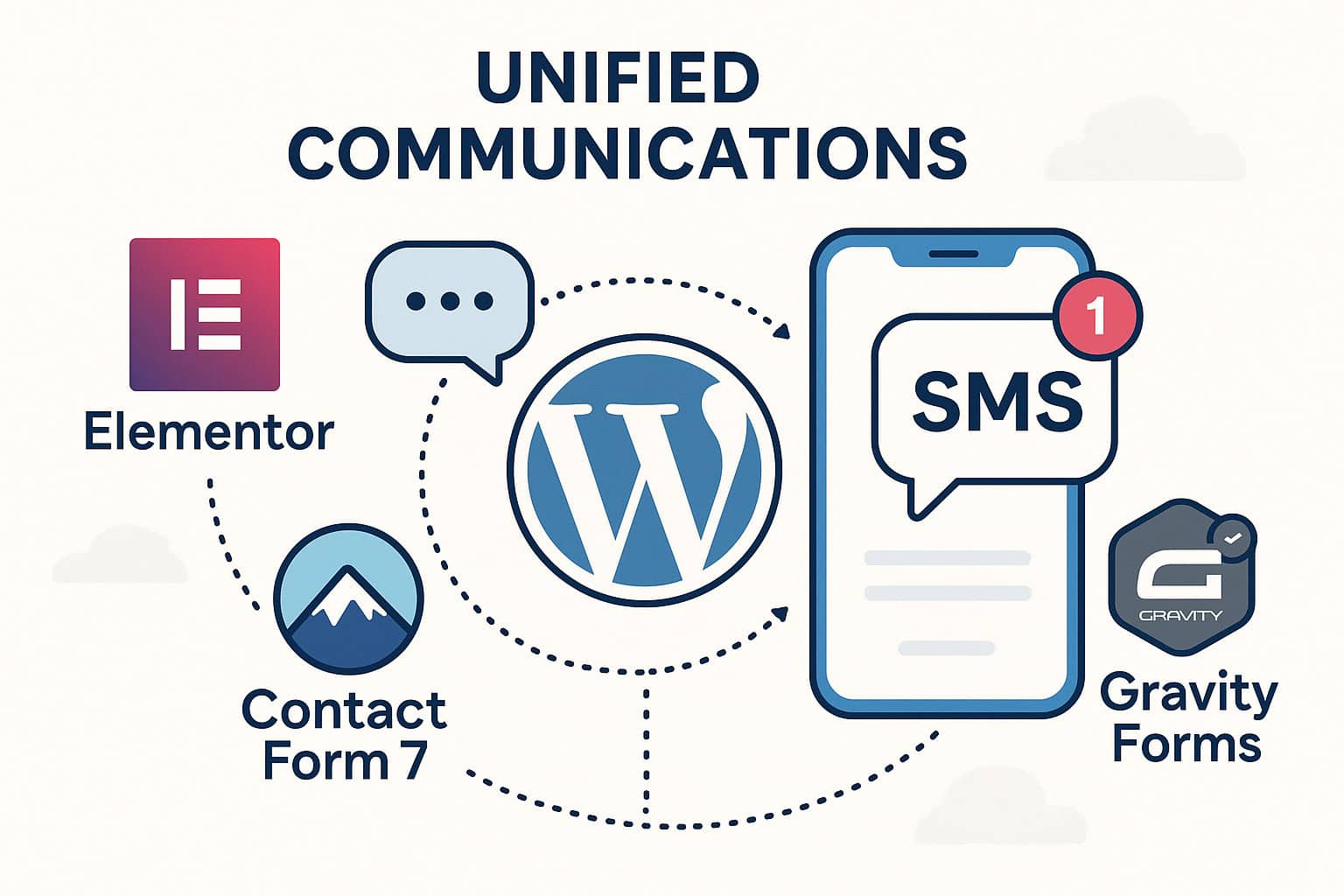
Integrating SMS into your workflow ensures that your team is notified instantly of new inquiries and that your customers receive immediate acknowledgement. Whether you are using a Contact Form 7 SMS notification add-on or a more complex Gravity Forms SMS alert setup, the goal remains the same: bridge the gap between a user clicking ‘submit’ and a meaningful human interaction.
The Technical Foundation of SMS Integration
Before diving into specific plugin tutorials, it is crucial to understand the underlying infrastructure. Most WordPress plugins do not send SMS messages natively through your server. Instead, they act as a bridge to a dedicated SMS Gateway. Understanding The Technical Blueprint: Connecting Twilio, Plivo, and Custom SMS APIs to WordPress is essential for establishing a reliable connection that scales with your traffic. By offloading the message delivery to specialized carriers, you ensure high deliverability and compliance with international regulations.
Elementor Form SMS Integration Tutorial: Real-Time Engagement
Elementor Pro’s Form Widget is widely regarded for its design flexibility, but its true power lies in its ‘Actions After Submit’ functionality. Setting up an Elementor form SMS integration tutorial often involves using webhooks or dedicated third-party connectors to trigger an instant text message.
Step 1: Configuring Actions After Submit
To begin, open your Elementor editor and select your form. In the settings panel, navigate to ‘Actions After Submit’. While Elementor provides built-in support for email and several CRMs, the most flexible way to implement SMS is through a Webhook or a specialized SMS plugin that adds a ‘Send SMS’ action directly to this menu.
Step 2: Mapping Fields and Payloads
When an SMS is triggered, you must define what the message contains. Using Elementor’s shortcodes (e.g., [field id=”phone”]), you can dynamically insert the user’s name or specific request into the SMS body. This personalization is vital for high-touch service industries like real estate or legal consulting, where immediate, personalized context is expected.
Pro Tip: Always include a ‘fallback’ email notification. SMS is fast, but having a digital paper trail in your inbox ensures that no lead is ever truly lost due to a carrier timeout.
The Veteran’s Choice: Contact Form 7 SMS Notification Add-on
Contact Form 7 (CF7) remains the most installed form plugin in the WordPress repository. However, because it is lightweight by design, it requires an external Contact Form 7 SMS notification add-on to handle mobile alerts. Plugins like ‘SMS Alert’ or ‘WP SMS’ provide seamless extensions for CF7.
Implementing CF7 SMS Logic
Once you install a compatible add-on, a new tab usually appears within the CF7 interface labeled ‘SMS Settings’. Here, you can toggle notifications for the administrator, the customer, or both. For developer-heavy environments, you may choose to hook into the wpcf7_mail_sent action to trigger a custom API call to your SMS gateway of choice. This allows for complex logic, such as routing leads to different sales reps based on the zip code entered in the form.
For those looking beyond simple notifications toward broader growth, consider how these individual alerts fit into a larger ecosystem. Our guide on Scalable Growth Strategies: The Essential Guide to WordPress Bulk SMS Marketing explores how to transition from one-off alerts to comprehensive marketing campaigns.
Gravity Forms SMS Alert Setup: Enterprise-Grade Control
Gravity Forms is often the choice for developers requiring advanced conditional logic. A Gravity Forms SMS alert setup typically utilizes the official Twilio Add-On or third-party integrations like Zapier. The advantage here is the ability to use ‘Conditional Logic’ for your SMS alerts.
Advanced Routing with Conditional Logic
Imagine a scenario where only ‘Urgent’ support tickets trigger an SMS to the on-call technician, while ‘General’ inquiries only send an email. Gravity Forms handles this with ease. Within the SMS notification settings, you can define rules: “Send this SMS only if ‘Department’ is ‘Emergency Support’.” This prevents ‘notification fatigue’ and ensures that your team only receives high-priority alerts on their mobile devices.
Compliance and Opt-In
When setting up SMS alerts for customers (autoresponders), you must ensure compliance with TCPA and GDPR. Gravity Forms makes it easy to add a required checkbox for SMS consent. Never send a text message to a user who hasn’t explicitly opted in, as this can lead to heavy fines and carrier blacklisting.
WPForms SMS Autoresponder: Simplifying the User Experience
If ease of use is your priority, the WPForms SMS autoresponder functionality is unparalleled. Using the WPForms Zapier addon or native integrations, you can set up a system where a user receives a ‘Thank You’ text the moment they hit submit. This immediate gratification builds trust and keeps your brand top-of-mind.
Automating the Customer Journey
The form submission is often just the beginning. For businesses running e-commerce sites, integrating these forms with your store’s workflow is the next logical step. Learn more about Automating WooCommerce Revenue: A Definitive Guide to Order Status Updates and Abandoned Cart Recovery via SMS to see how form-based leads can be synchronized with order management systems.
Security and Verification: The Role of SMS in Site Integrity
SMS isn’t just for marketing and lead alerts; it’s a vital security tool. When users fill out sensitive forms—such as registration for a private portal or a financial application—SMS-based verification adds a critical layer of defense. By requiring a one-time password (OTP) sent via SMS, you ensure that the person filling out the form is who they say they are. This concept is explored further in our article on Hardening Site Security: Implementing a Two-Factor Authentication WordPress Plugin via SMS.
Comparing the Giants: Which Integration is Right for You?
- Elementor Forms: Best for designers and marketers who want a visual setup and quick API hooks.
- Contact Form 7: Best for developers looking for a lightweight, free foundation that they can extend with specialized add-ons.
- Gravity Forms: The gold standard for complex business logic, conditional routing, and enterprise-level reliability.
- WPForms: The most user-friendly option for small businesses focusing on lead generation and simple autoresponders.
Best Practices for Form-to-SMS Integration
To maximize the ROI of your SMS integrations, follow these industry best practices:
- Keep it Concise: SMS is limited to 160 characters per segment. Be brief and include a clear Call to Action (CTA).
- Timing is Everything: Use quiet hours logic if your forms are international. You don’t want to wake up a lead with an automated text at 3:00 AM.
- Test Your Routes: Regularly test your forms to ensure that the API connection hasn’t expired or hit a credit limit.
- Use Short URLs: If you are linking back to a resource, use a URL shortener to save character space.
Conclusion: Creating a Responsive Business Model
Integrating SMS alerts with Elementor, Contact Form 7, or Gravity Forms is no longer a luxury; it is a foundational element of modern business communication. By moving away from a single-channel (email) notification system and adopting a unified approach, you ensure that your team is more responsive, your leads are better engaged, and your site is more secure. Whether you are building a simple contact form or a complex lead routing engine, the power of the SMS alert lies in its immediacy. Start small with a simple notification and scale into a robust automated communication strategy that sets your business apart from the competition.
Wire your forms straight to your phone
Contact Form 7, WPForms, Gravity Forms and Elementor all connect to SMS alerts, so a new enquiry reaches you in seconds rather than sitting in an inbox.
See WP SMS pricing | SMS from contact forms | All integrations
Backed by a 14-day money-back guarantee.